
If you’re eager to explore Copilot further, today brings a handy new feature: Microsoft has added a “Share with Copilot” button in the latest Windows 11 Insider Preview build. Unlike previous options, this button appears whenever you hover over any app on the Taskbar, making it highly visible and accessible.
Share with Copilot in the Taskbar
The feature debuted in Windows 11 Insider Preview build 26220.6690 (Dev Channel), as noted in Microsoft’s blog. It allows users to quickly share their screen with Copilot Vision. Whether you want a summary of Excel data, details about a currently playing song, or insights on a photo in an app, clicking the button makes it easy to get answers.
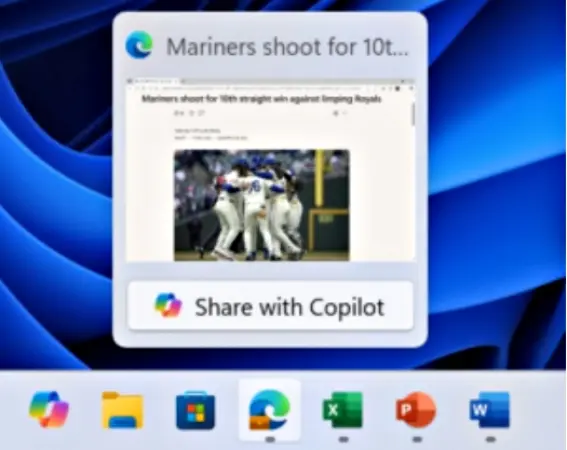
Copilot Vision can scan your screen and provide relevant insights, letting you explore topics further using the Microsoft Copilot chatbot. For more complex content, the AI can break it down into simpler steps to help with understanding.
Since this feature is currently part of the Insider Preview, it could be removed in the final Windows 11 release depending on user feedback. The same preview also introduces an on-screen text translation feature, which can be handy for web pages not available in your native language.
That said, it raises a bigger question: how much Copilot do users really need? Windows already integrates Copilot in the Notes app, Taskbar, Edge browser, and even some physical keyboards, making it feel like Microsoft is using Windows as a hub to showcase all its Copilot tools.


