
The launch of EA FC 26 is just around the corner, and Ultimate Team fans know that getting in early can make all the difference. Preloading the game ensures you’ll be ready to jump in the moment it goes live worldwide on September 26, or even earlier during its week-long early access window. With excitement building around the newest installment, players are eager to find out when preloads begin. Here’s a quick guide on how to preload FC 26 on PC, PS4, PS5, Xbox One, and Xbox Series X/S.
EA FC 26 Preload Start Date and File Size
- Players who purchased the Ultimate Edition of EA FC 26 can begin preloading the game on September 17
- Players who purchased the Standard Edition of EA FC 26 can begin preloading the game on September 24
According to details shared by the PlayStation Game Size account on X, the download comes in at around 57.2 GB. Regardless of which edition you choose, fans can get an early start on their Ultimate Team journey beginning September 17 through the FC 26 Web App.
How to Preload EA FC 26 on Steam, Epic Games Store, and the EA App
To preload EA FC 26 on PC, you’ll need to secure a pre-order through your preferred storefront. Here’s how to get started:
- Click it to begin downloading EA FC 26 ahead of launch.
- Open Steam, the Epic Games Store, or the EA App and head to the FC 26 store page.
- Complete your pre-purchase of the game.
- Starting September 12, a Preload option will appear.
How to Preload EA FC 26 on PS4 and PS5
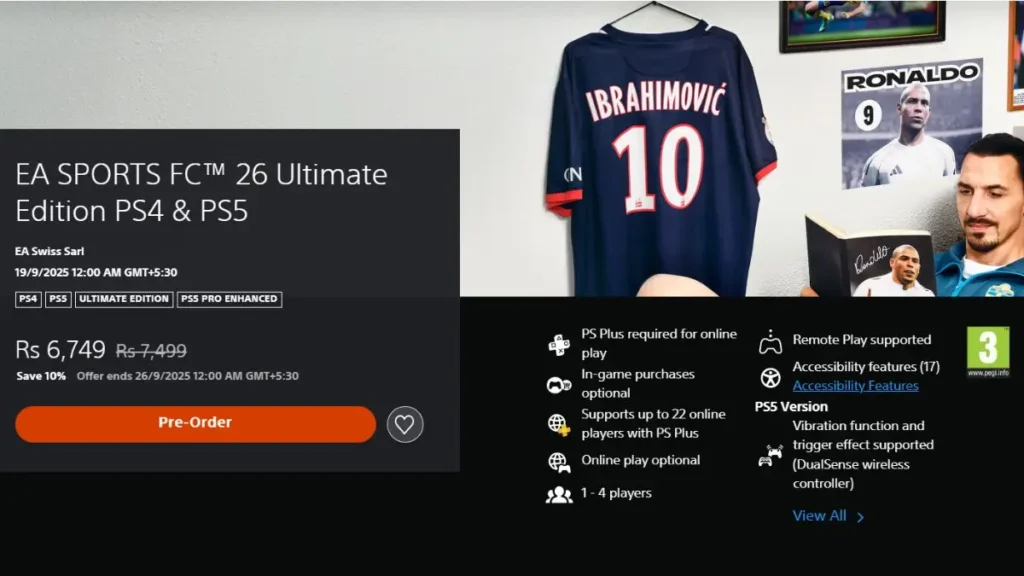
If you’re playing on PlayStation, preloading EA FC 26 is quick and straightforward. Here’s what you need to do:
- Go to the EA FC 26 page on the PlayStation Store.
- Complete your pre-order of the game.
- After purchase, head to your Library.
- Locate EA FC 26 in your library and select Download.
How to Preload EA FC 26 on Xbox One and Xbox Series X/S
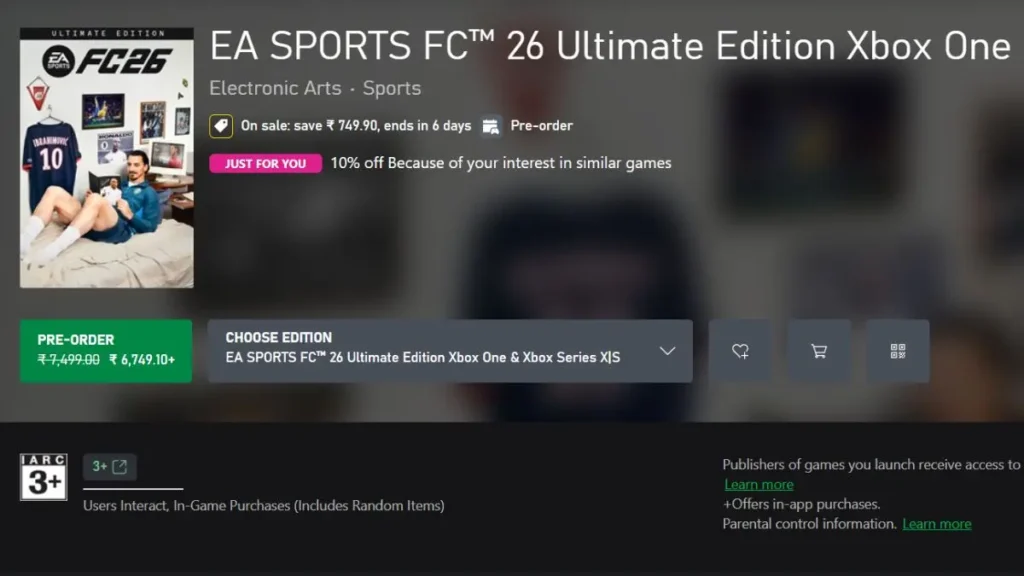
For Xbox users, getting EA FC 26 ready to play at launch is just as simple. Follow these steps:
- Allow the game to download so it’s ready to go on release day.
- Open the Xbox Store and search for the EA FC 26 game page.
- Complete your pre-order if you haven’t already.
- Select the Preload option once it becomes available.


